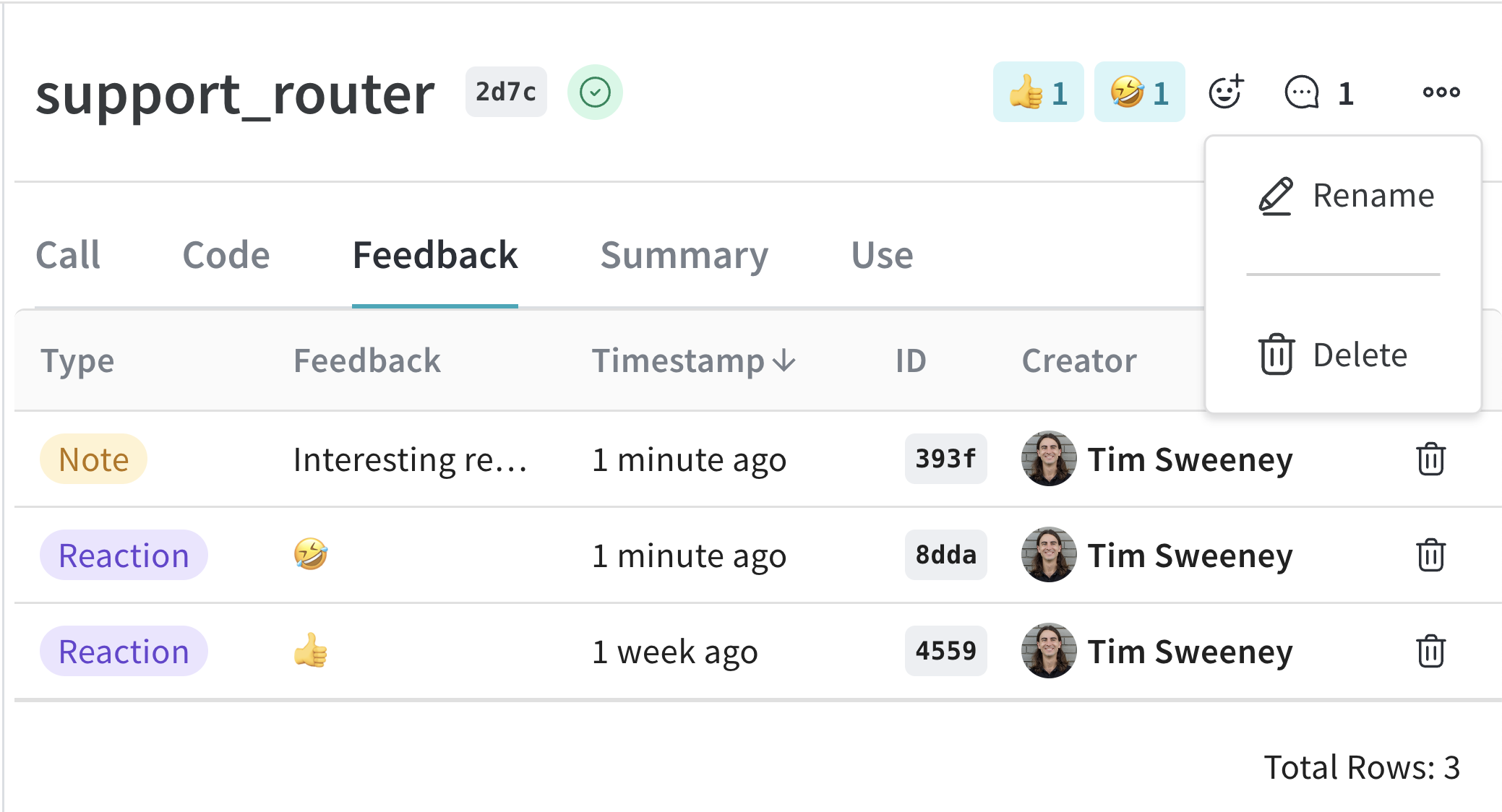
Calls are mostly immutable after creation. A few mutations are supported: You can perform all of these mutations from the UI by navigating to the Call detail page: To update a Call in the web app:
  1. Navigate to wandb.ai and select your project.
  2. In the Weave project sidebar, click Traces.
  3. Find the Call you want to view in the table.
  4. Click on the Call to open its details page.
  5. Click the Feedback tab in the Call detail’s tab bar.
Here you can edit the display name of the Call, add feedback, or delete the Call.
Weave Traces page excerpt of a selected Call details panel showing how you can rename or delete a Call

Set display name

To set the display name of a Call, use the Call.set_display_name() method.
import weave

# Initialize the client
client = weave.init("your-project-name")

# Get a specific Call by its ID
call = client.get_call("call-uuid-here")

# Set the display name of the Call
call.set_display_name("My Custom Display Name")
You can also set a Call’s display name at execution.

Add feedback

Please see the Feedback Documentation for more details.

Delete a Call

To delete a Call using the Python API, use the Call.delete method.
import weave

# Initialize the client
client = weave.init("your-project-name")

# Get a specific Call by its ID
call = client.get_call("call-uuid-here")

# Delete the Call
call.delete()

Delete multiple Calls

To delete batches of Calls using the Python API, pass a list of Call IDs to delete_calls().
import weave

# Initialize the client
client = weave.init("my-project")

# Get all Calls from client
all_calls = client.get_calls()

# Get list of first 1000 Call objects
first_1000_calls = all_calls[:1000]

# Get list of first 1000 Call IDs
first_1000_calls_ids = [c.id for c in first_1000_calls]

# Delete first 1000 Calls by ID
client.delete_calls(call_ids=first_1000_calls_ids)